Cary WinUV Software for UV-Vis Applications
Control, analyze, and report with confidence
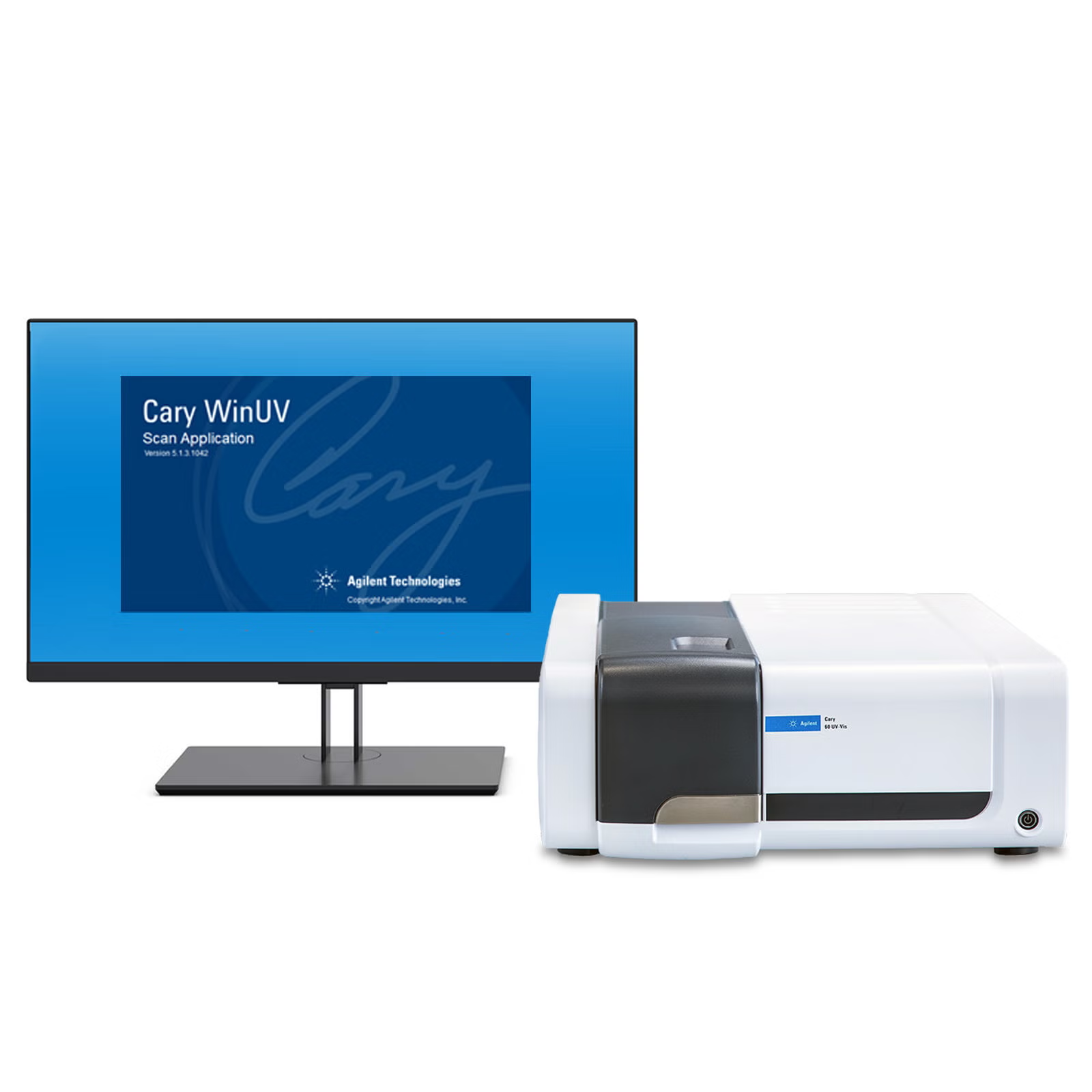
- The Agilent Cary WinUV software complements the Agilent Cary 60 UV-Vis spectrophotometer. This powerful, easy-to-use UV-Vis software platform is built around the needs of routine analysts and researchers alike. Perform accurate wavelength scans or reads, kinetics and concentration analysis, and control a range of sampling accessories such as the 18-cell multicell changer.
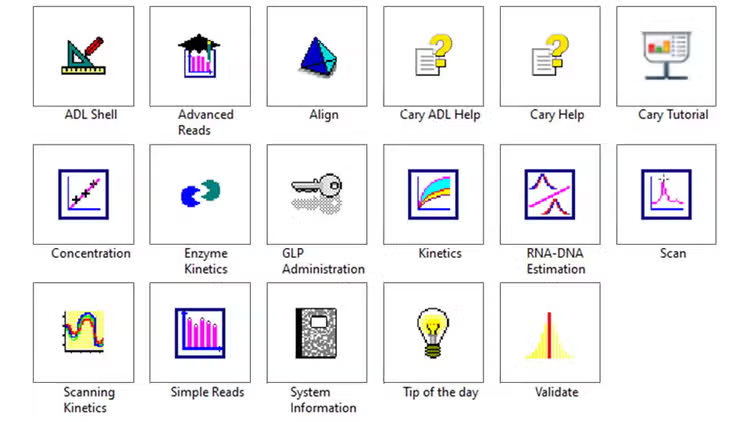
- The Cary WinUV software suite features several application-focused software modules designed to streamline method set up, data collection and analysis, reducing complexity while increasing productivity. The individual UV-Vis software modules are tailored around the analytical task at hand, with pre-set calculations and analysis tools relevant for finding answers quickly and easily. The software interface presents a neat workspace and follows an intuitive design that allows operators to switch between software modules seamlessly.
- Cary WinUV includes built-in modules designed to cover a range of UV-Vis applications including Scan, Concentration, Kinetics, RNA-DNA Estimation, Enzyme Kinetics. and many more.
- Validate module: streamlines the performance tests of the Cary 60 spectrophotometer against Agilent specified parameters and international standards for Good Laboratory Practices.
- Kinetics module: make use of the data collection speed of the Cary 60 UV-Vis when performing kinetic measurements.
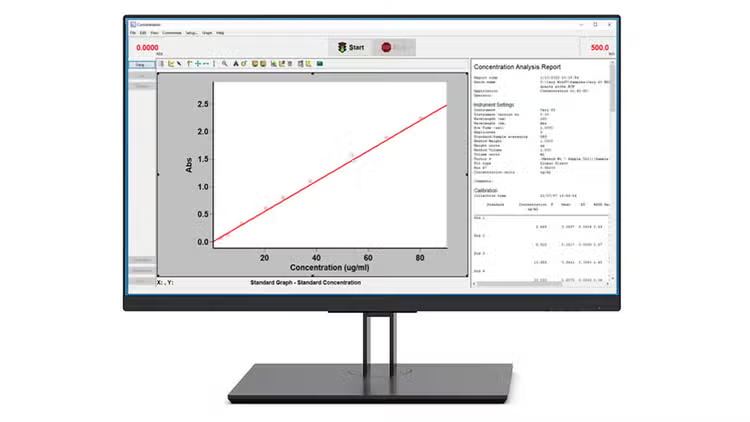
- Concentration module: supports quick and easy generation of a concentration calibration curve that is directly employed to determine the concentration in an unknown sample.
- DNA-RNA Estimation module: enables simple, straightforward collection of data—including determination of the amount, type and purity of nucleic acid samples.
- Cary WinUV software comes pre-installed on Agilent supplied computers and is compatible with the Cary 60 UV-Vis spectrophotometer.
- Methods can easily be tailored for specific analytical problems.
- Software interface layout can be customized to meet analyst needs. Analytical results are clearly presented, as are relevant parameters.
- Intuitive Cell Loading Guide makes the automated analysis of up to 18 samples in a single run easy and simple—increasing sample throughput and reducing user interactions.
- Manage user privileges and administer secure storage of electronic records—Optional built-in technical controls ensure the security of your data, control access, and facilitate compliance as defined by US FDA 21 CFR Part 11, EU Annex 11 and similar national electronic record regulations.
Overview
How it works
Cary WinUV—distinctly better software
The modular design of the Cary WinUV software allows the interface to be tailored to fit specific analytical requirements—simplifying UV-Vis measurements to get more done in less time.
Dedicated software applications streamline the analytical workflow, from method setup and measurement to data analysis and reporting. The software also provides complete instrument control and advanced data processing tools, giving operators the flexibility to expand the workflows for their specific needs.
Workflows that make your work ‘flow’
The preconfigured modules in the Cary WinUV software speed up analytical workflows.
The Concentration module allows operators to measure a series of standards and the software automatically generates and applies a calibration curve. Together with the 18-cell changer accessory, the system can be used to generate the calibration curve and to measure samples in a single run. The Cell Loading Guide makes the setup simple, and once the analysis starts the Cary 60 UV-Vis runs without the need for user involvement.
Software and hardware to help meet global regulatory requirements
The Cary 60 UV-Vis spectrophotometer meets the performance requirements of most global pharmacopeia. Compliance with the FDA CFR Part 11, EU Annex 11 and similar regulations has long been a requirement in GMP facilities. Optional Cary WinUV Pharma software provides secure data storage and user/access privilege management for users operating in GMP environments. The Pharma software can be locally deployed on individual workstations, or in a client-server configuration where multiple instruments are managed, and data is stored centrally.
Technology
UV-Vis Analysis of Biomolecules
Analyzing proteins, oligos, monoclonal antibodies, and other biomolecules? UV-Vis spectroscopy is a key part of any bioanalytical toolkit, with many features and benefits that accelerate workflows involving biomolecules. Read our guide and customer case studies to learn more.
Agilent Molecular Spectroscopy Software Support Lifecycle Policy
Check the lifecycle status for revisions of the Agilent molecular spectroscopy suite of software products, so you can plan and maintain an active support status.
supplemental-information
Frequently asked questions
FAQ: Cary Win UV cool tricks on Graphics Windows
On most applications, there are some things we can do to make the graphics window look different and sometimes easier to read. This information relates to the use of the SCAN Application, but can also apply to other applications.
FAQ: How to Run Cary UV/Vis Instrument Performance Tests
When necessary, the operator of a Cary UV/Visible instrument can perform tests to access the performance of the instrument and software. The following steps outline execution of these performance tests.
Why Do We Perform a Zero and Baseline in Scan?
The purpose for zeroing is to balance both the reference beam and the sample beam. By adjusting to zero, the instrument readings reflect the absence of sample.
What is UV-Vis Spectroscopy? Principles Overview
An introduction to the basics of UV-Vis spectroscopy and UV-Vis spectrophotometers, with FAQs on the fundamentals of UV-Vis, how UV-Vis spectrophotometers work, UV-Vis analysis, applications, accessories, and measurement techniques.
FAQ: Cary Win UV cool tricks on Graphics Windows
On most applications, there are some things we can do to make the graphics window look different and sometimes easier to read. This information relates to the use of the SCAN Application, but can also apply to other applications.
FAQ: How to Run Cary UV/Vis Instrument Performance Tests
When necessary, the operator of a Cary UV/Visible instrument can perform tests to access the performance of the instrument and software. The following steps outline execution of these performance tests.
style
News
Agilent Releases Cary WinUV 5.3 and Cary WinUV Pharma 5.3 Software—Easy-to-Use Software Designed for Routine Analysis
The latest revision of Cary WinUV performs measurements with up to 10 replicates and averages, increasing productivity and facilitating validation as per ICH Q2 (R1). Updated Cary Help and Cary Tutorial modules speed up learning and simplify use of the Cary 60. The software supports Microsoft Windows 11, and Cary WinUV Pharma operates with Microsoft SQL Server Express 2022, supported by Microsoft until 2028.
01 Jan 2024
Color Measurements by Agilent UV-Vis and UV-Vis-NIR Spectrophotometers
Humans perceive color when light interacts with objects using photoreceptors in the eye, primarily through the processes of transmission or reflection. Color measurements using UV-Vis spectrophotometers use the same principle as the human eye. However, UV-Vis spectrophotometers can objectively obtain a value that describes the color by offsetting the color of light used to illuminate the sample. The best choice of instrument for a particular application will depend on sample type and analysis requirements. This white paper describes the options for color measurements that are available from Agilent, including an overview of the Cary WinUV Color application that translates spectral data according to various geometrical coordinates and illumination systems.
01 Nov 2023
The Cary 60 UV-Vis Allows Fast and Convenient Fluoride Concentration Measurements
Fluoride ions are found in almost all types of water from groundwater and drinking water to wastewater. While low levels of fluoride are considered safe by the World Health Organization, exposure to excessive amounts of fluorides may lead to a wide range of adverse health effects. In a recent application note, the Cary 60 UV-Vis spectrophotometer and Cary WinUV software were used to conveniently and accurately quantify fluorides in water as described in the SPADNS colorimetric method. Read the application note.
23 May 2023
Tools
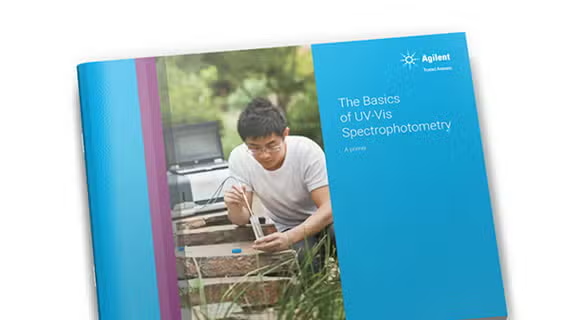
UV-Vis Spectroscopy Learning Tools
Get your Basics of UV-Vis Spectrophotometry handbook, and a pack of four undergraduate teaching lab experiments.
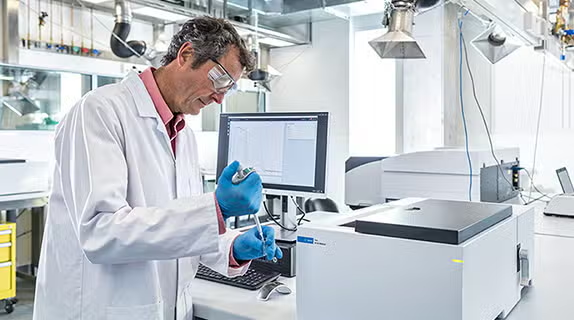
UV-Vis & UV-Vis-NIR Instrument Selection Guide
Find out which Agilent UV-Vis or UV-Vis-NIR spectrophotometer is best for your needs.
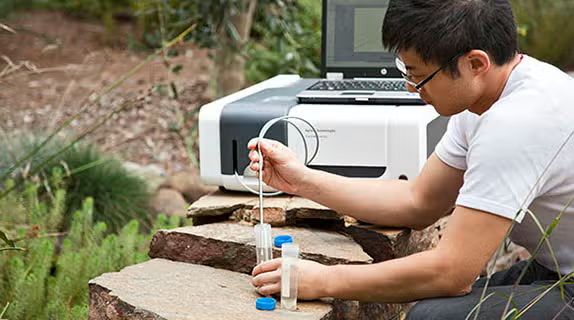
UV-Vis Spectrophotometer Applications Overview
A guide to modern UV-Vis spectrophotometer uses, measurement techniques, and their applications.
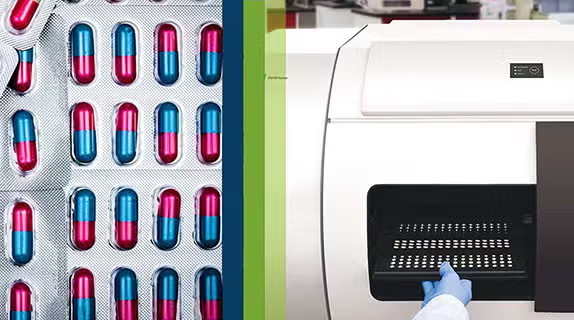
Molecular Spectroscopy Pharma & Biopharma Solutions Guide
Learn about products & applications in pharma & biopharma using UV-Vis, FTIR, fluorescence, SORS & TRS technology.
Training & events
Molecular Spectroscopy Webinar Curriculum
Molecular Spectroscopy Webinar Curriculum includes UV-Vis, UV-Vis-NIR, fluorescence, handheld and benchtop FTIR, and Raman systems for high performance and flexibility
Spectroscopy Digital Workshops & Bootcamps
Hone your lab skills, outside the lab, with our live, interactive series of virtual workshops and software bootcamps! Learn about the latest in software solutions for Spectroscopy, discuss the entire analytical process from method development to data analysis, and participate in live analytical runs with our experts. We hope these will prepare you for future hands-on events in the future.
Advances in FTIR and UV-Vis: No Need for Cells ...
This webcast will highlight the benefit of advanced sampling technologies in achieving fast, easy, and reliable measurements of liquid samples in comparison with the traditional liquid cells used for FTIR and UV-Vis measurements.
Related products
PRDT_906262
PRDT_3444039
PRDT_906189
PRDT_906192
PRDT_906231
PRDT_906262
PRDT_3444039
PRDT_906192
PRDT_906231
Need help? Contact our support team
If you didn't find what you need, try these resources or contact a specialist

Get support from our technical experts driving lab performance and reliability
World-class team of experts dedicated to you. Hand-selected from across the globe, each bringing a wealth of experience and expertise to help you solve your issue quickly and efficiently.

Submit a question
Contact our team of spectroscopy experts.
Software downloads
Manage and effectively operate your software licenses with SubscribeNet.
Software support lifecycle policy
Check the lifecycle status for revisions of the Agilent molecular spectroscopy suite of software products.
Contact support
Connect with your local Agilent team.