OpenLab EZChrom
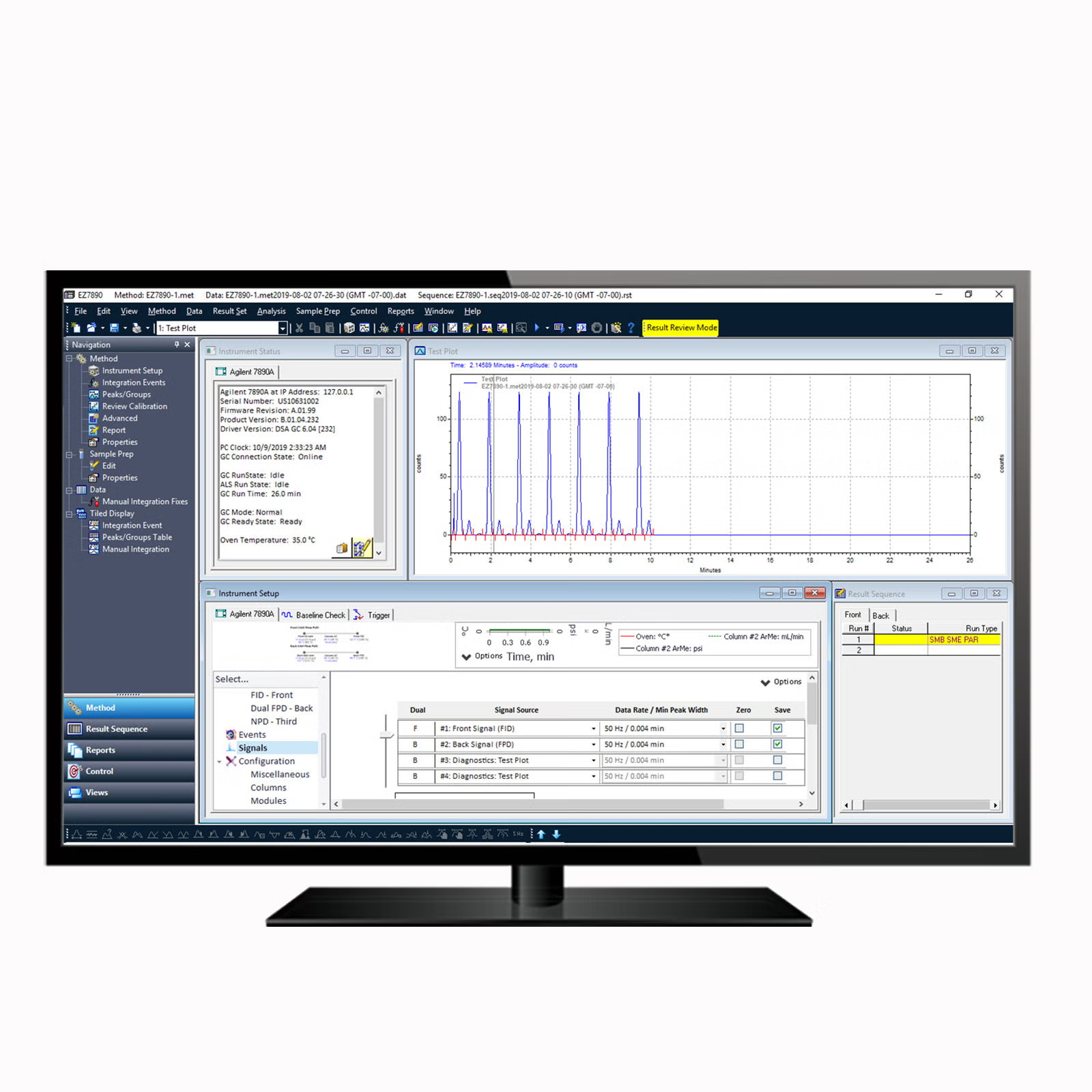
Supports LC and GC analysis with established automated workflows
- OpenLab EZChrom is a chromatography data system that provides proficient control of Agilent and non-Agilent LC and GC instruments. OpenLab EZChrom supports existing customers’ highly automated workflows.
- LC and GC instrument control – Offers proficient control of your Agilent and non-Agilent LC and GC instruments
- Accelerate data processing and review – Eliminate manual steps, process and view large data sets significantly faster
- Advanced reporting capabilities – Build more meaningful reports using powerful and intuitive drag-and-drop capabilities
- View your entire lab at a glance – View the status of all your instruments in the CDS network from a single user interface
- Scalable architecture – Improve lab operations through better access to instruments and information with a client/server configuration
Overview
Specifications
Agilent OpenLab Software Support Lifecycle Policy
The Agilent OpenLab Software support lifecycle policy is intended to balance the need to maximize your return on software investment with the adoption of the latest technologies that provide new capabilities. This page provides the lifecycle status for versions of the Agilent OpenLab software products so you can plan ahead and achieve these objectives.
revision-table
M82xxAA A.04.10 Software Release Bulletin (SRB)
Software Release Bulletin includes features or fixes included in OpenLab EZChrom version A.04.10.
status-bulletin
G7320AA - 7697A Headspace Control Software for EZChrom
This Software Status Bulletin (SSB) documents all known problems in the Headspace Control Software for EZChrom.
status-bulletin
Software Status Bulletin for Agilent OpenLab Software Products
See the Software Status Bulletin (SSB) for documentation of all known problems relating to the OpenLab Software portfolio.
status-bulletin
Frequently asked questions
How to Generate the License File in SubscribeNet
See the process for generating a permanent license file in SubscribeNet for OpenLab CDS software products.
How Do I Install a License File in the OpenLab CDS Control Panel?
View the process for installing a permanent license file for OpenLab CDS software once it has been generated and downloaded from SubscribeNet.
Can I upgrade to the newest version of Windows when it is released by Microsoft?
We recommend waiting to upgrade to new versions of Windows until we've fully tested the new version.
What version of OpenLab EZChrom is compatible with Windows 11?
What version of OpenLab EZChrom is compatible with Windows 11?
What are the system requirements for OpenLab workstations?
See minimum requirements for Agilent OpenLab workstations including PC specifications, network specifications, and operating systems.
style
Related products
PRDT_792797
PRDT_792798
PRDT_792799
PRDT_9842568
PRDT_9842594
PRDT_4652841
PRDT_4652830
PRDT_788047
PRDT_788048
PRDT_2227346
PRDT_792797
PRDT_792798
PRDT_792799
PRDT_9842568
PRDT_9842594


