ICP-MS User Access Control
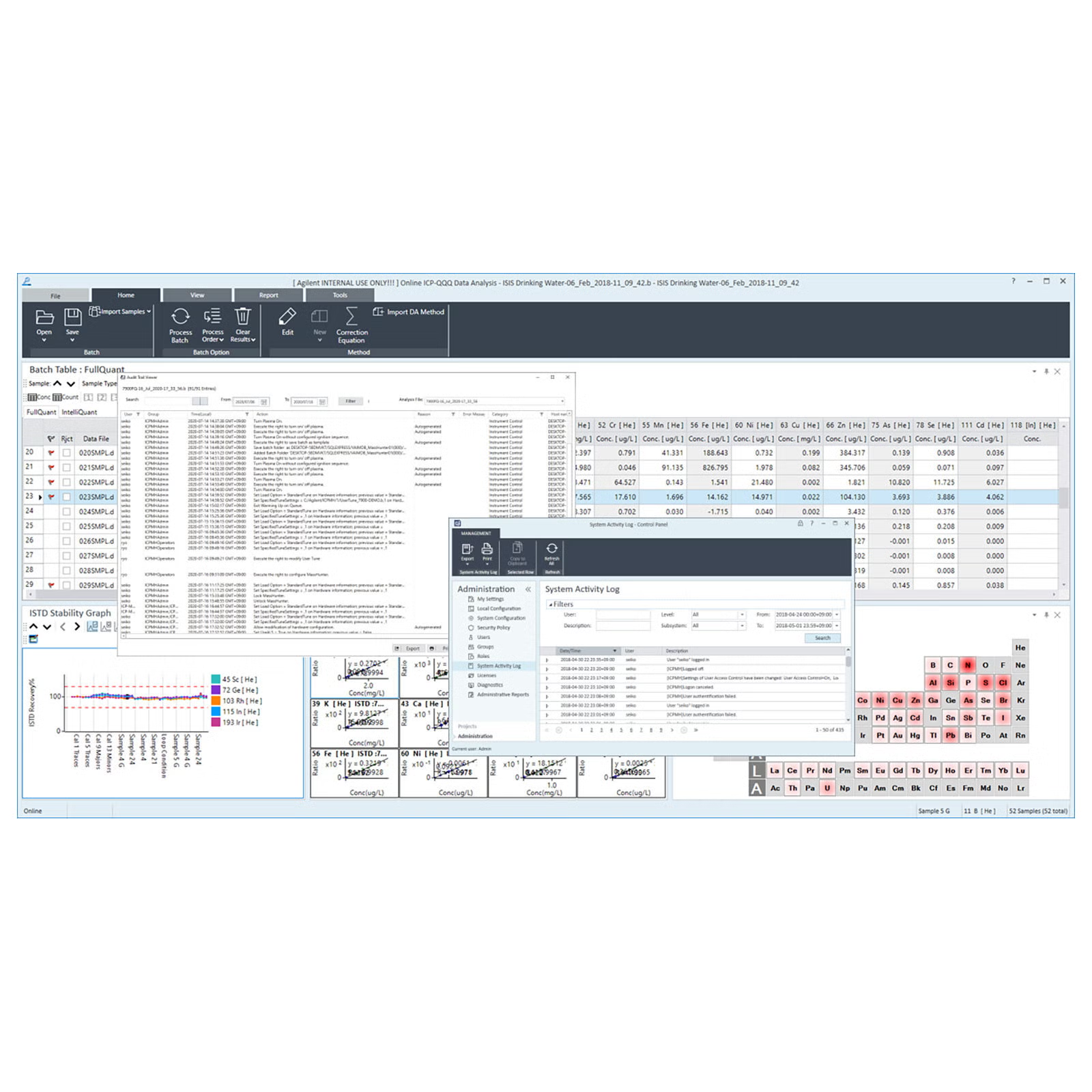
Secure access. Maintain data integrity. Simplify compliance.
- The ICP-MS User Access Control option allows multi-level software access as either a stand-alone feature (for non-CFR labs), or as part of Agilent OpenLab compliance products. ICP-MS User Access Control enhances the security of ICP-MS MassHunter software for ICP-MS system auditing and access management.
- Administrator configured user access permission to ensure only the correct access permissions for each user
- Change users during automated sequencing or other long operations to keep productivity at maximum
- Software lock to prevent unauthorized access while current user is away
- Record operating system and MassHunter user(s) logon/logoff to maintain complete audit trail
- Store log of user name, instrument name, serial number, tune file name, and time stamp with all data files and reports to ensure data integrity
Overview
Frequently asked questions
How can I add optional software?
*You need the registration number for each piece of optional software. If you do not have a number, contact our sales representative to purchase one.
Optional software can have additional settings.
1. On the Windows task bar, select [Start] - [All Programs] - [ICP-MS MassHunter Workstation] - [Configuration] - [Activation of ICP-MS MassHunter] to display the Activation of ICP-MS MassHunter dialog box.
2. Select the [Option] tab.
3. Select the optional software you want to add, enter the registration number, and then click [Activate]. This completes registration.
*Some optional software requires you to change the settings in the Configuration pane.
For details, refer to the User Guide manual for the Optional software or the online Help.
style
Related products
PRDT_913607
PRDT_3091924
PRDT_913604
PRDT_9854686
PRDT_913560
PRDT_913557
PRDT_1465853
PRDT_913537
PRDT_913542
PRDT_4470528
PRDT_913606
PRDT_9874038
PRDT_913607
PRDT_3091924
PRDT_913604
PRDT_913606
PRDT_9854686
PRDT_913560
PRDT_913557
PRDT_1465853
PRDT_913537
PRDT_913542
Software support & resources

Get support from our technical experts driving lab performance and reliability
World-class team of experts dedicated to you. Hand-selected from across the globe, each bringing a wealth of experience and expertise to help you solve your issue quickly and efficiently.

Software download center
Manage and effectively operate your software licenses with SubscribeNet.
Software Support Lifecycle Policy
Check the lifecycle status for revisions of the Agilent atomic spectroscopy suite of software products
Online Help and Learning Center
The comprehensive and interactive ICP-MS software Help and Learning Center is now available online.
Contact support
Connect with your local Agilent team.